
CoinTracker
Crypto Accounting Software →CoinTracker is crypto accounting and tax software.

Verified Facts
- Accounting · Integration Types
- EXCHANGE_API, WALLET, CSV
Platform overview
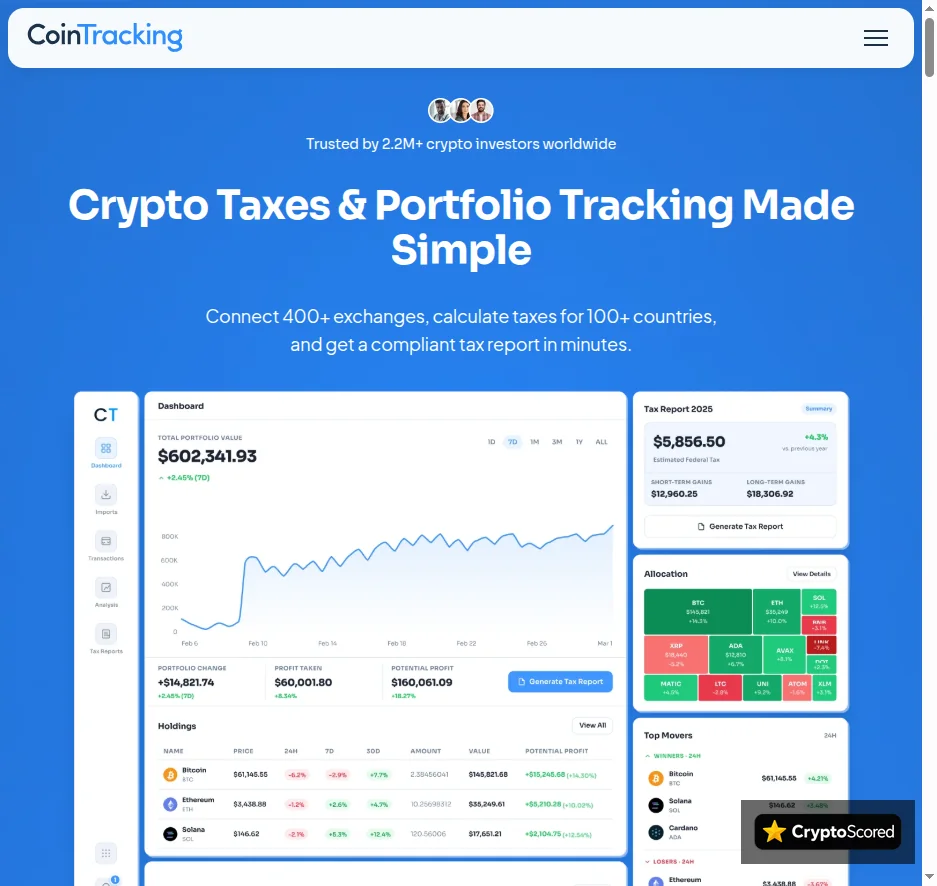
CoinTracker is a consolidated crypto tax and portfolio workflow built around linked wallets and exchanges, CSV additions and transaction-level review. Its calculation and reports draw on one assembled record, not on isolated exports from each venue.
Linked accounts and CSVs must describe one transaction record
Connected accounts use read-only access to collect history; CoinTracker does not trade from the connection or take custody of linked assets. A consolidated multi-wallet record helps retain the acquisition history behind a transfer between owned accounts, which is necessary for cost-basis and proceeds tracking across the account set.
CSV imports fill gaps where a source cannot be fully synchronized, but importing the same activity through both a live sync and a CSV can create duplicates. A repeated import or account added twice can inflate balances and distort cost basis, so transaction details or a CSV export should be checked before a duplicate is changed.
Classification and cost-basis controls are part of the calculation
CoinTracker automatically categorizes DeFi activity including liquidity pools, lending, borrowing and yield-generating activity, while allowing edits to a transaction’s classification, fee and cost basis. Automatic interpretation is a starting point for review, not a substitute for checking the underlying activity; classifications such as gifts and airdrops remain editable.
The default cost-basis method follows the jurisdictional configuration, and eligible higher-tier access can change the method for one year without changing prior years. Tax-lot analysis exposes specific asset lots, while the standard tax view summarizes gains, losses and income for the selected year. The selected year, method and reviewed transaction record therefore all control the output.
CoinTracker vs ZenLedger: report handoffs and workflow trade-offs
Paid plans provide tax reports and a tax summary for selected years, with supported transfer to tax-filing software. The US TurboTax path requires a paid plan and can send the consolidated CoinTracker record rather than asking the user to connect every source to TurboTax, but it has a 1,000 capital-gain/loss-transaction import limit. A generated report can therefore exist even where that downstream import route cannot accept the record volume.
CoinTracker does not provide a .txf export for TurboTax Desktop; transaction history can be exported as CSV for review, but that file is not a filing-software import. CoinTracker is the more explicitly documented linked-account, transaction-editing and tax-lot choice beside ZenLedger; ZenLedger instead emphasizes unlimited exchanges, an Audit Report, Grand Unified Spreadsheet and an optional professional-prepared path.
Contact Information
- Website
- https://cointracker.com/
- Help Center
- https://support.cointracker.io/hc/en-us
User Reviews
No reviews yet. Be the first to review this platform.
Other Crypto Accounting Software












Explore the Crypto Directory
Discover exchanges, wallets, casinos, mining, trading tools and more.